
September: customers can add their own words
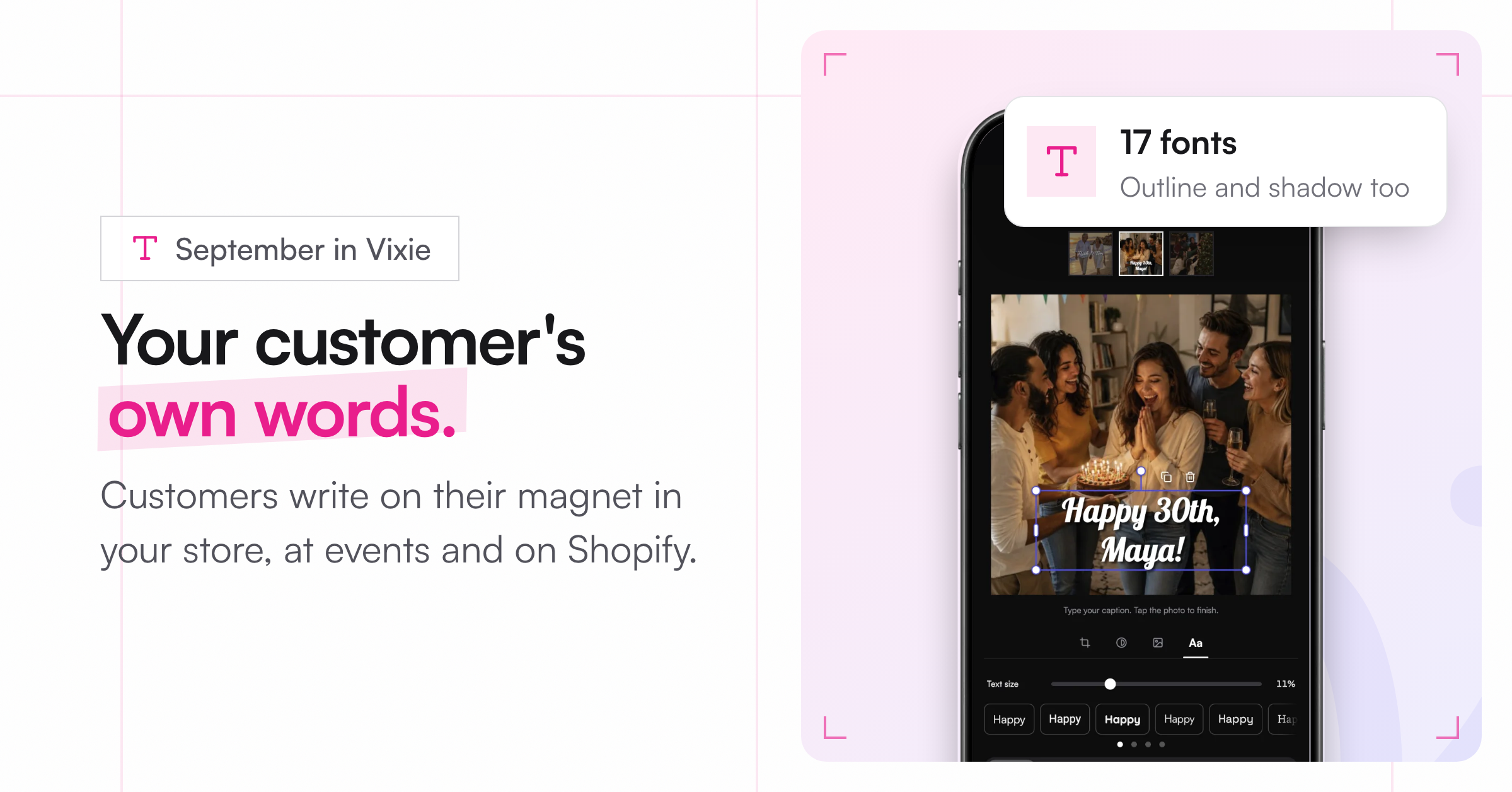
The big one this month: text.
Custom text, everywhere
Your customer can now write on their magnet in your Vixie store, at live events, and in your Shopify store. They tap the photo, type, and tap Done. The text shows in the cart and prints on the finished magnet.
-
17 fonts, including new serifs, light faces, and formal scripts like Allura and Great Vibes.
-
Outline and shadow can be used together, and there's a Transparency setting.
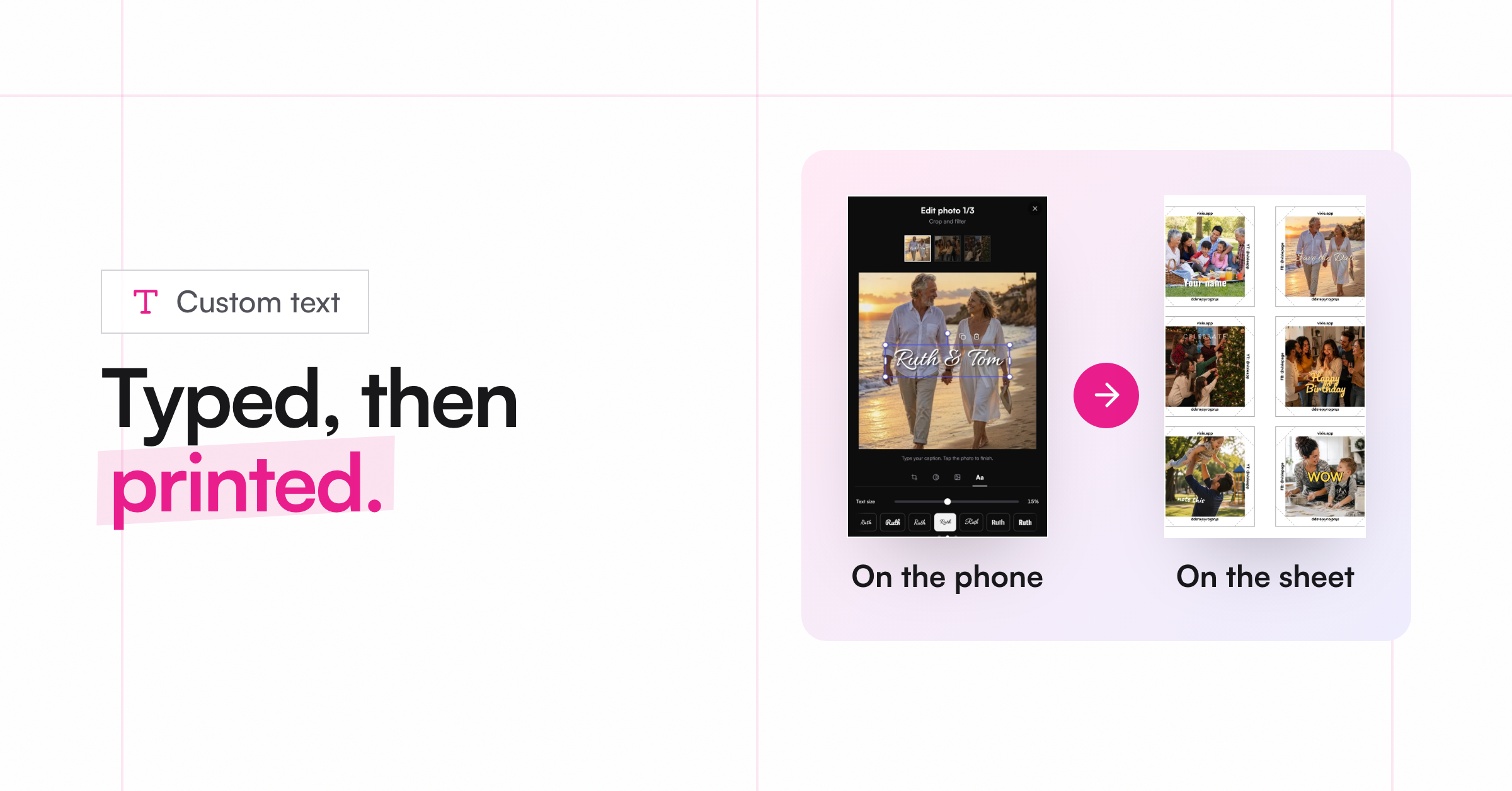
Photo editing
-
Brightness, contrast, and saturation: Three new sliders in the Filter tab. What the customer sees is what prints.
-
The cart shows the finished design: crop, filter, frame, and text, not the raw upload.
-
Replace a photo without starting over, and tap any photo at review to edit or remove it.
At the booth
-
Mark paid in bulk: At cash events, select unpaid orders and mark them all paid at once.
-
Order age in the queue: The time shows how long since the customer ordered, and stops at pickup.
Printing
-
Problem magnets are flagged: If a magnet fails to process, the queue and order page now say so. Reprocess Magnets redoes only the broken ones.
-
Sharper prints: We retuned how photos are prepared for print.
-
Pressing Generate Print twice no longer makes two batches, and empty spots on a page no longer print cut lines.
Also
-
Annual plans are now on Shopify billing too, with 2 months free.
-
Error pages now look like Vixie, and an event's error page lets the customer re-enter the event code.