
October: a new event board, a pickup screen, and a better event report
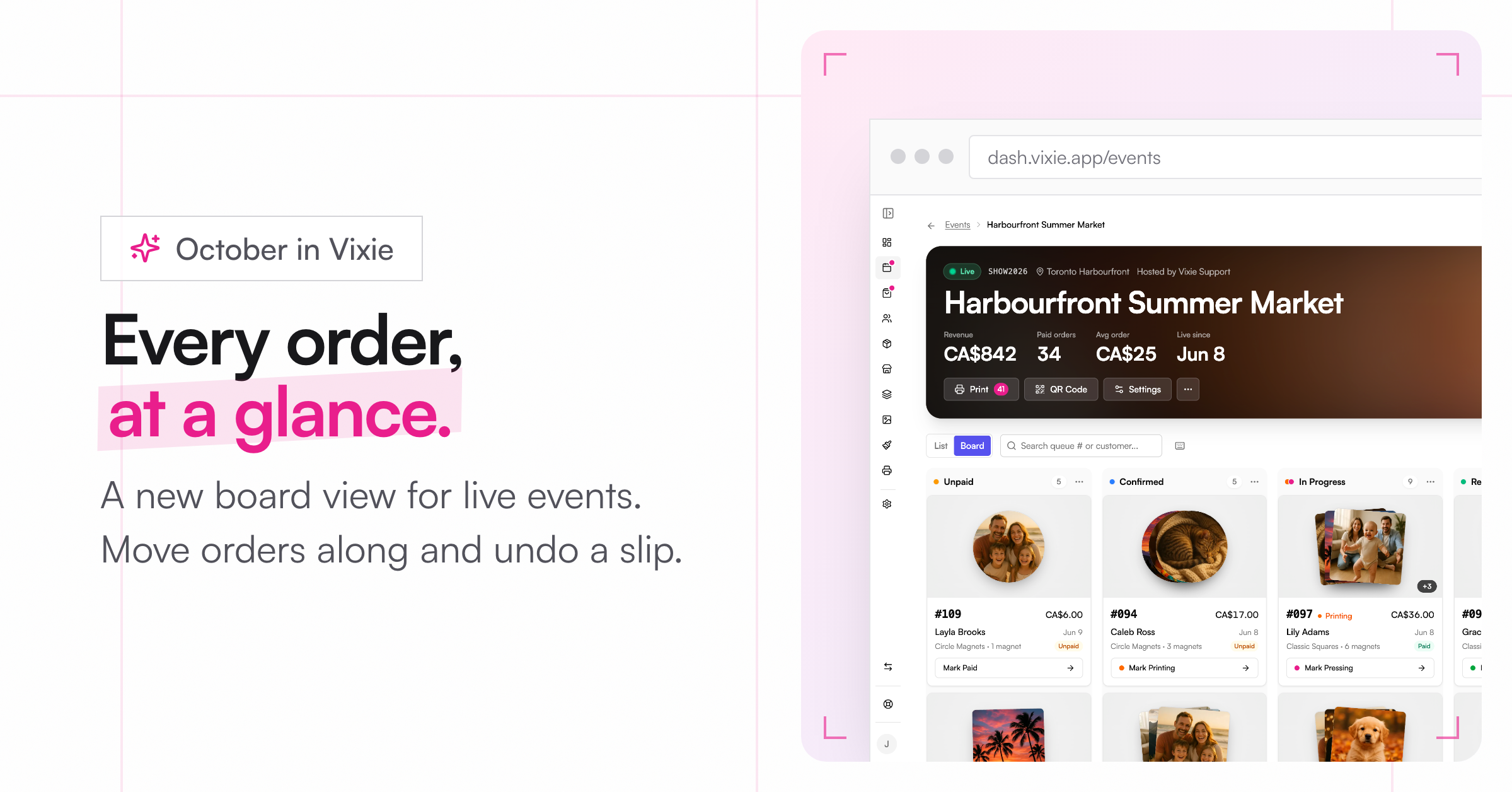
October so far is all about the booth.
A new event page
-
Board view: See every order in columns by status. Sort a column oldest or newest first, select all, and move orders along. Made a mistake? Hit Undo.
-
Keyboard shortcuts: Press
?to see them. -
Your screen stays awake while an event is live, and the page catches up after a dropped connection.
-
Print fills the page: When you print an order, Vixie can fill the rest of the page with other waiting orders.
Customer pickup screen
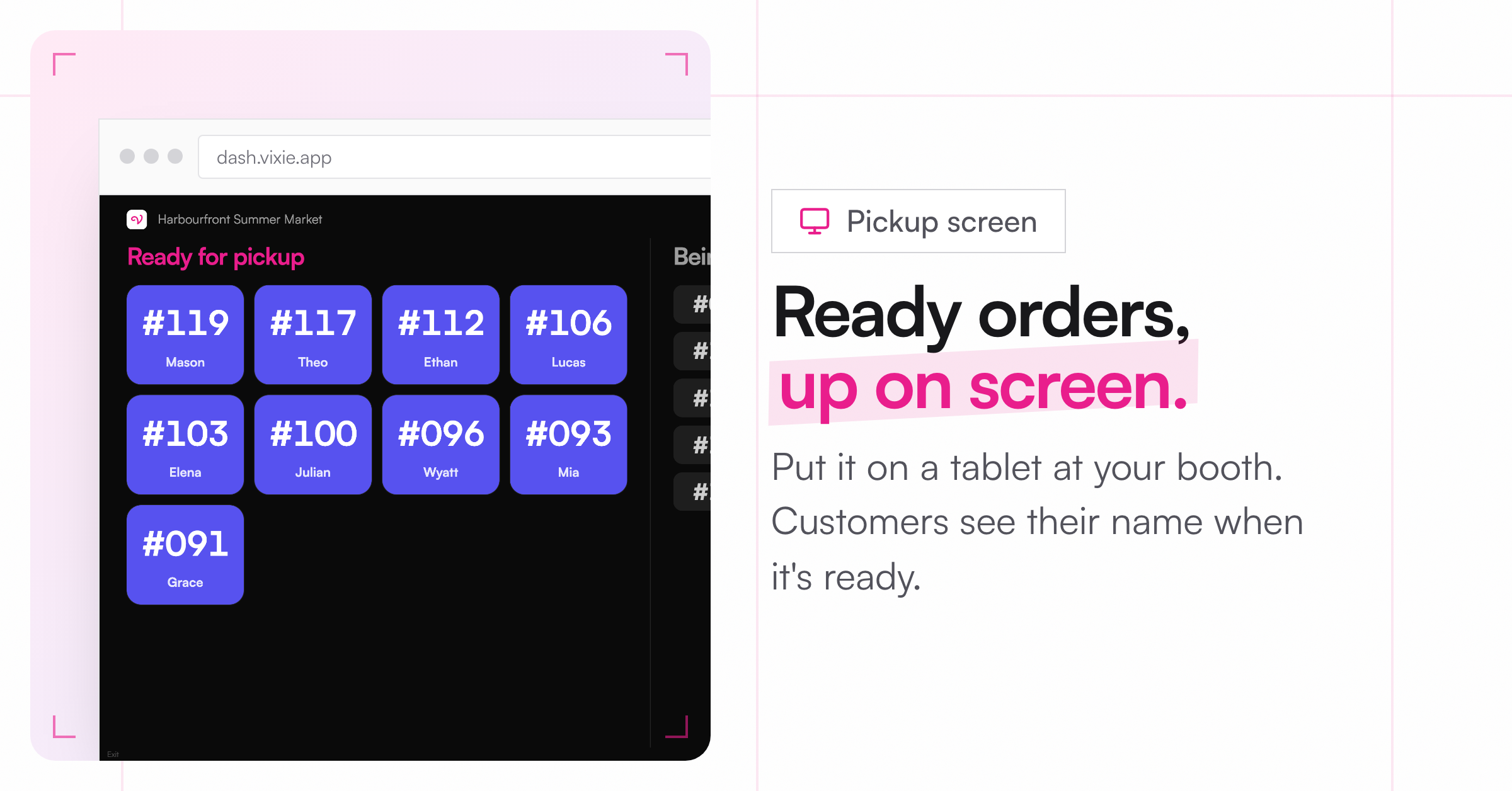
Open Pickup screen from a live event's menu and put it on a tablet or second screen. Ready orders show big with the customer's first name. A chime plays when an order is ready.
A better event report
The report now shows what you made, your pace, how this event compares to your others, your busiest hour, your best seller, and the wait time. Refunded and cancelled orders no longer count, and hours use your local time. Download the orders as a CSV or a PDF. Multi-day events are shown day by day.
Print quality and privacy
-
Low-resolution warning: Customers see a hint when their photo would print blurry. Want to stop those photos completely? Turn it on in Settings, under Media & Privacy.
-
Automatic photo cleanup: Choose how long to keep customer photos in Settings, under Media & Privacy. Order records stay. Only the photos go.
Smaller things
-
Add a Message for customers to an event. It shows on the first screen of your live event page.
-
Upcoming events warn you early if your plan won't let them go live.
-
Help & feedback now lives in the sidebar, with video tutorials.
-
Order emails list subtotal, discount, tax, and shipping on separate lines.
-
Shopify orders arrive already paid, so there's nothing to mark.
-
Photo uploads keep working when a customer's internet provider blocks our photo storage.