
July: bigger event orders, annual plans, and an event page that does more
Here's what we shipped in July.
Live events
-
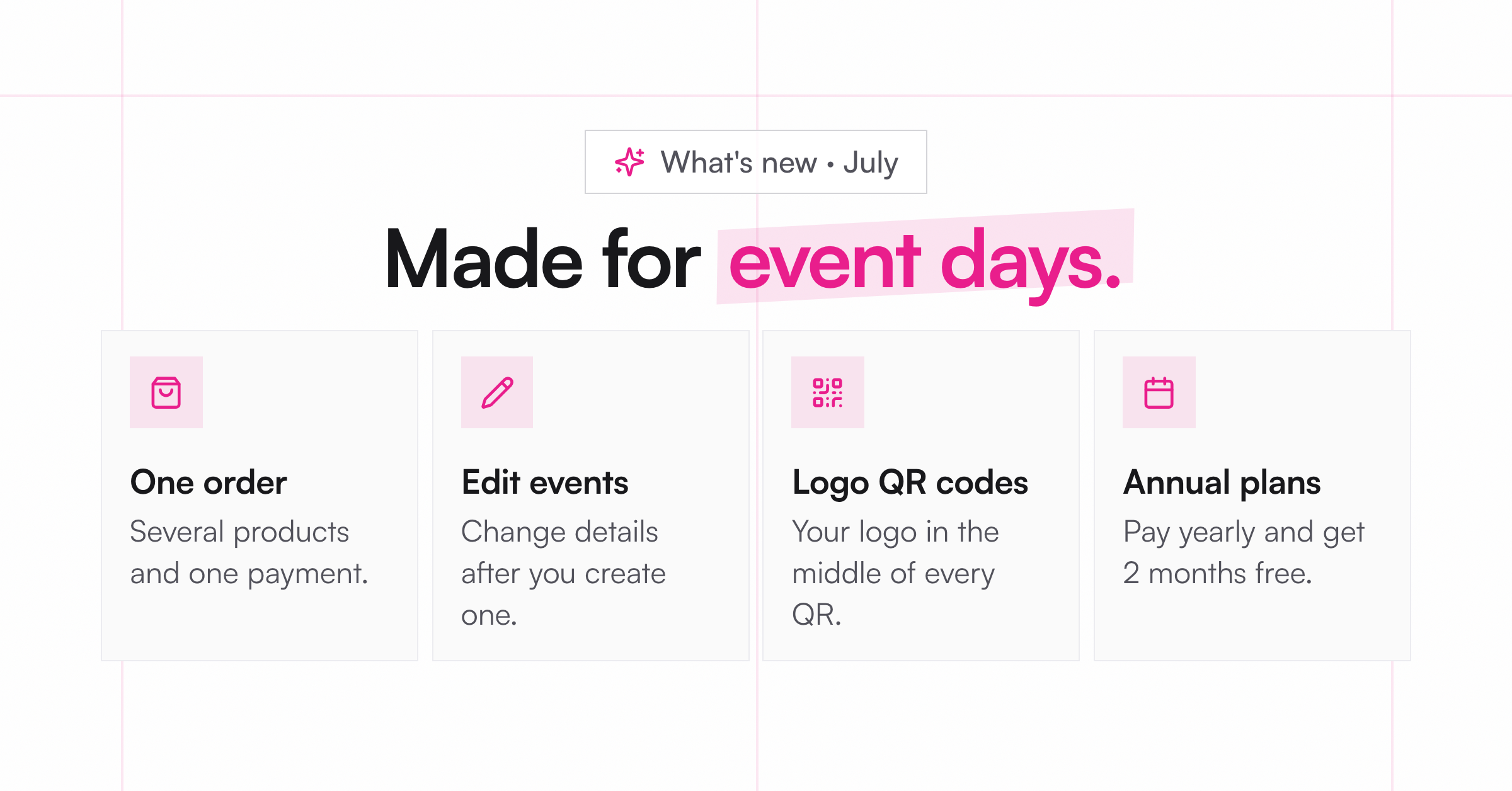
More than one product per order: Customers can now add several products to one order at your event and pay once. Each line can have its own number of copies.
-
Edit an event after you create it: Change the name, location, payment mode, products, or date. Closed events stay locked.
-
A new event page: Start, End, and View Report sit in one bar at the top. You'll also see a status badge, a running timer, and a bigger QR section to download or print.
-
Your logo on your QR codes: Event QR codes now carry your logo in the middle. No logo? You get a plain QR.
Selling
-
Annual plans, 2 months free: Pay yearly and save 17%. Switch to Annual in Settings, under Billing.
-
Shopify stores can take payments at events: If you sell on Shopify, you can now connect Square, Stripe, SumUp, or PayPal for your live events.
-
Clearer receipts: Checkout now lists each product on its own line, with tax and shipping shown separately.
-
A home for your Vixie store: Your store now has its own page in the menu. Set how you fulfill orders there: pickup, shipping, or both. Closed your store by mistake? You can restore it within 30 days.
Smaller things
-
Orders and each channel tab now show how many orders need you.
-
An inch/mm switch in Print Studio and Edit Measurements.
-
The Shopify widget now reads more ways of writing a size, like
2" x 2"or2×2. -
The crop your customer sees now matches what prints, even with custom measurements.