
August: discount codes, background removal, and your store in 12 more languages
August was a big one. Here's what's new.
Discount codes
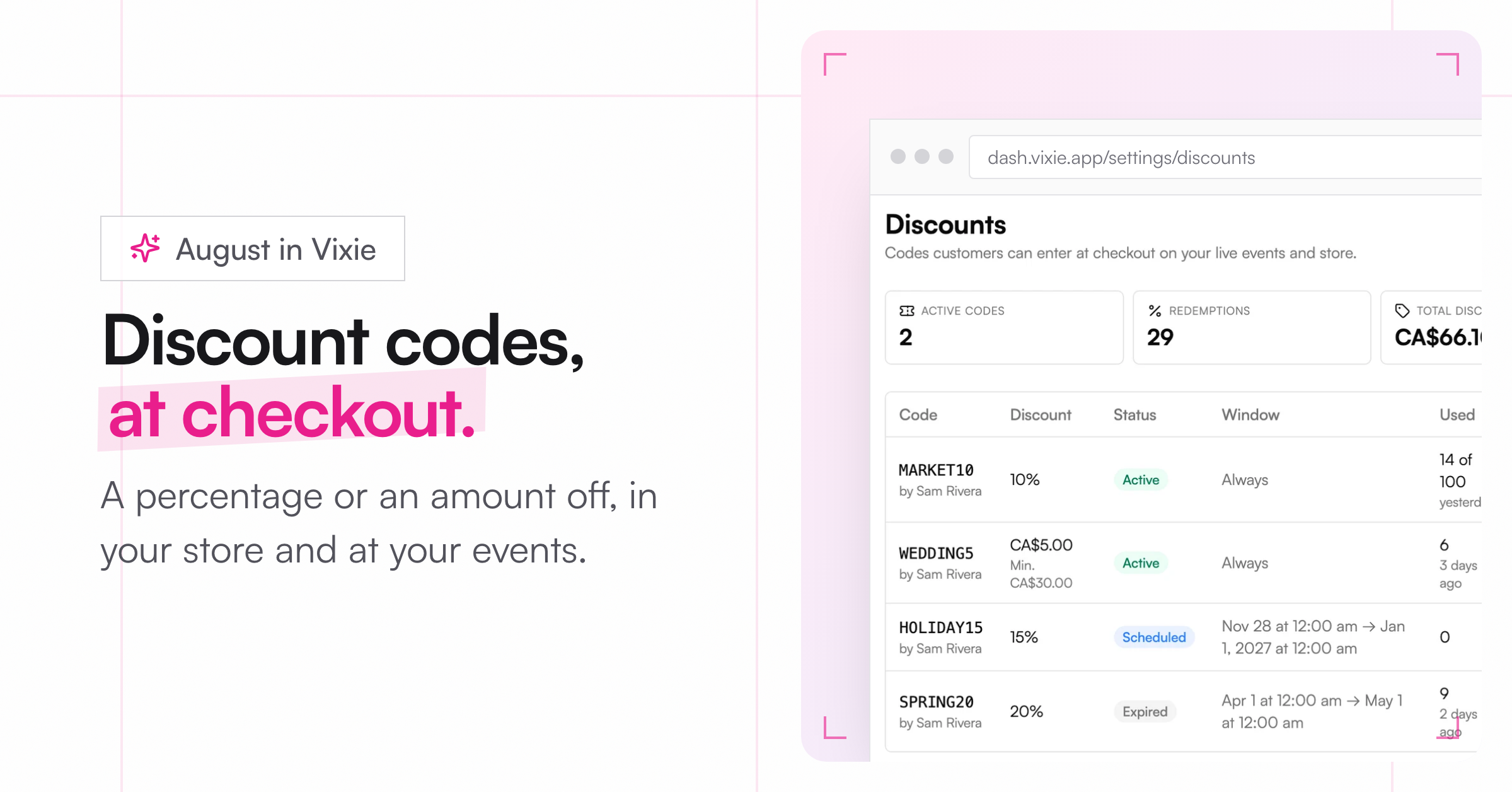
You asked, so here they are. Go to Settings, then Discounts, and click New code. Choose a percentage or an amount off. You can add a minimum order, a usage limit, and start and end dates. Customers enter the code at checkout in your Vixie store and at live events. Shopify stores keep using Shopify's own discount codes.
More ways to make a magnet personal
-
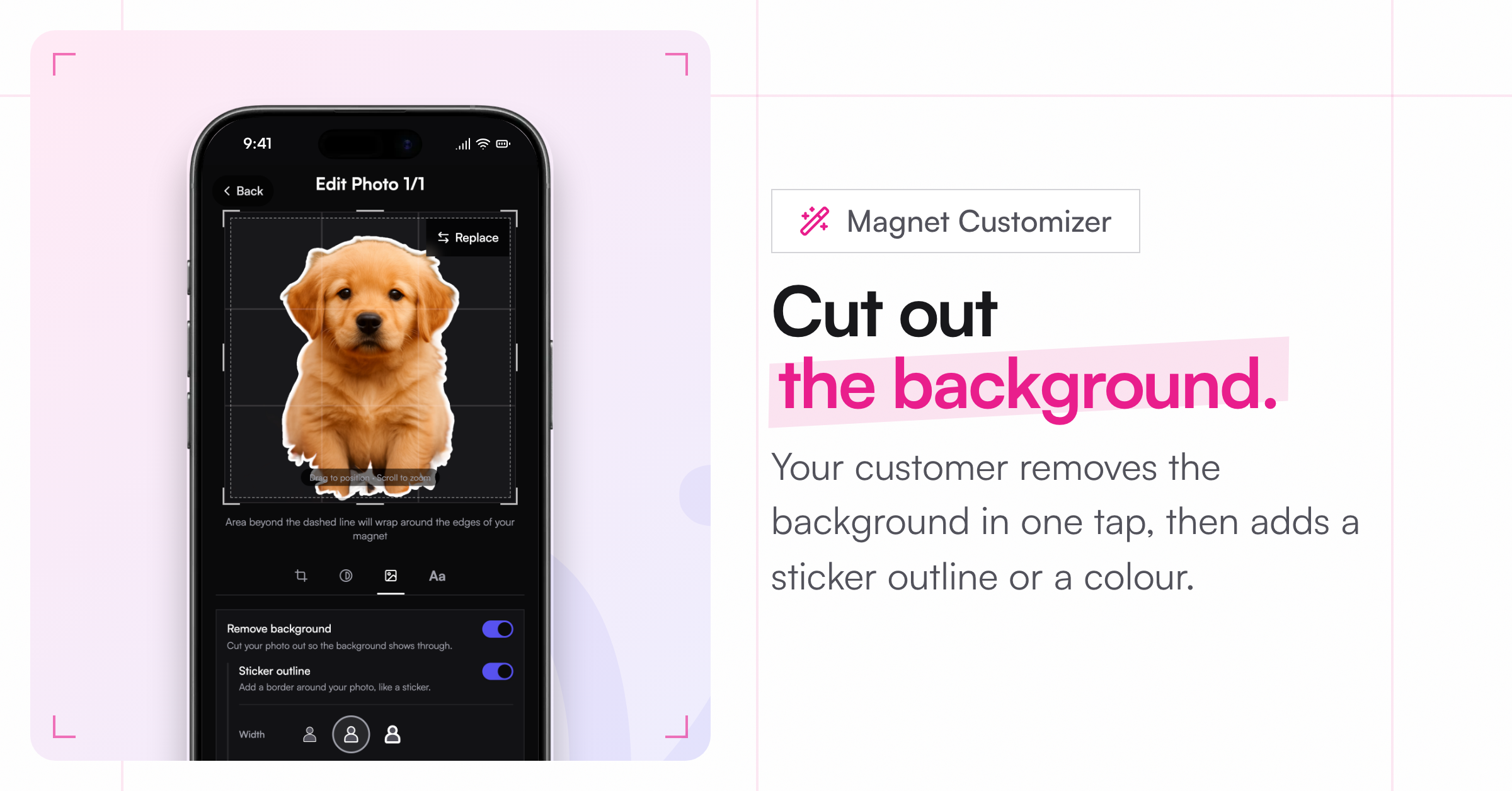
Remove background: Your customer can cut themselves out of a photo in the Magnet Customizer. It works on iPhone photos too.
-
Sticker outline: Add a thin, medium, or thick outline around the cut-out, in any colour.
-
Background colours: Pick from a palette or choose your own colour, next to your own background images.
-
Bulk orders: One photo, printed many times. Turn on Bulk order when uploading, and one crop fills the whole pack.
Live events
-
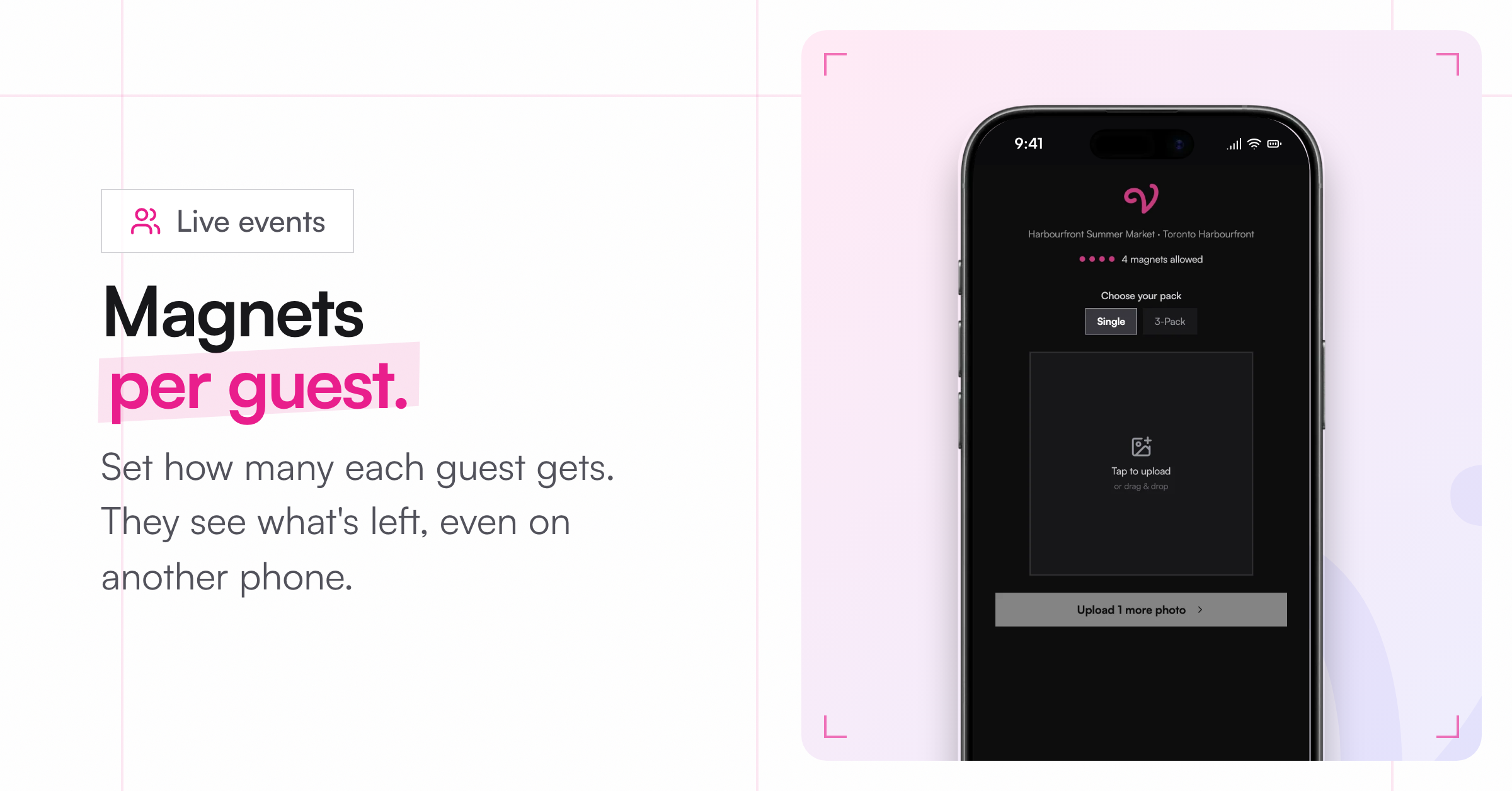
Magnets per guest: Hosting a wedding or a party? Set how many magnets each guest gets. Guests see how many they have left, even if they switch phones. You can also let guests buy extras once they've used theirs.
-
Card-only events: A new Online payment mode, for events where you don't take cash.
Printing
-
Borderless magnets: Print to the edge of the photo, with no border or text. They pack tighter, so a 2.5" square fits 12 to a Letter page instead of 6.
-
Order numbers on the page: Each magnet's order number prints next to it, so mixed pages are easy to sort.
Your store in more languages
The Magnet Customizer, your Vixie store, and your live event pages now come in Spanish, French, Canadian French, German, Italian, Dutch, Brazilian Portuguese, Swedish, Danish, Norwegian, Finnish, and Polish. On Shopify it follows your store's language on its own. For your Vixie store and events, turn languages on in Settings, under Languages. The text you write yourself stays as you wrote it.
Smaller things
-
Customers can tick a box to let you use their photo on social media, and another for your news and offers. You'll see their answer on the order.
-
Carts show tax before checkout.
-
If a customer's page reloads mid-edit at an event, their photo and crop come back.
-
Galleries can be set to Required on a product.